


Family offices and the executives who run them are being targeted with increasing precision, and the people closest to that risk are often not the principals themselves but the executive assistants who manage their calendars, their correspondence, and their most sensitive files. Deloitte’s Family Office Cybersecurity Report 2024 found that 43 percent of family offices worldwide experienced a cyberattack over the last 12–24 months, with North American offices reporting the highest exposure at 57 percent. Among the offices that were attacked, 93 percent experienced phishing, the most common form of attack, ahead of malware (35 percent) and social engineering (23 percent). These are not abstract figures for a niche corner of the economy. They describe an operating reality for thousands of small and mid-sized organizations across the United States that manage significant wealth, complex travel schedules, and confidential family matters through the same email inboxes, shared drives, and mobile devices used for routine administrative work.
The regulatory backdrop has shifted alongside the threat. State privacy laws now extend well beyond California, insurers underwriting cyber policies have tightened their requirements, and federal agencies including the FTC and CISA have published increasingly specific guidance for smaller organizations that once assumed they were too small to be a target. The FTC reports that consumers said they lost more than $12.5 billion to fraud in 2024, a 25 percent increase over the prior year, with investment scams ($5.7 billion) and imposter scams ($2.95 billion) accounting for the largest reported losses, the latter category built on impersonation of trusted institutions and individuals, a pattern that maps directly onto how family offices and executive households are approached by criminals.
Executive assistants occupy a distinct position in this landscape. They hold calendar visibility into travel and location, they process wire instructions and vendor payments, they manage document sharing across accountants, attorneys, and family members, and they frequently have delegated access to email and financial platforms. This combination of access and trust makes the executive assistant role one of the most consequential points of control in any high-net-worth household or family office, whether or not the title carries a security designation. Yet the same Deloitte research found that 31 percent of family offices have no cyber incident response plan at all, and only 26 percent consider their existing plan robust. The gap between the level of access an executive assistant holds and the level of security training and tooling provided to support that access is where much of the actual risk lives.
Closing that gap does not require a large security department or a six-figure technology budget. It requires a clear, practical set of operating habits built around how executive assistants actually work day to day: how they share documents, how they manage the passwords and accounts under their control, how they support a principal who is traveling, and how they recognize the increasingly convincing attempts to manipulate them into acting against the household’s interest. The remainder of this article works through each of these areas in turn, with an eye toward what a business owner, operations manager, or IT director can put into practice this quarter.
The Executive Assistant as a Frontline Security Control
Why Attackers Target the Inbox Before the Boardroom
Cybercriminals rarely attempt to breach an executive’s systems directly when an easier path exists through the people who support that executive. Microsoft Security describes business email compromise as a scheme in which an attacker impersonates a trusted figure, such as an executive, a vendor, or a legal advisor, to convince a targeted employee to transfer funds, share credentials, or send sensitive files. Executive assistants are frequent recipients of these messages precisely because their job function is to respond quickly and helpfully to requests that appear to come from the person they support. A message that reads urgently, references a real trip or a real transaction, and arrives at a plausible moment is difficult to distinguish from a genuine request, particularly when the assistant is managing dozens of similar communications in a single day.
The practical implication is that verification needs to become a habit rather than an exception. Any request involving a wire transfer, a change to payment instructions, or the release of confidential documents should be confirmed through a second channel, such as a phone call to a known number, before it is acted upon, regardless of how convincing the email appears or how much time pressure it conveys. This single habit, applied consistently, closes off the majority of business email compromise attempts, because the entire scheme depends on the recipient acting before verifying.
Secure Document Sharing: Moving Beyond Email Attachments
Executive assistants routinely handle documents that carry outsized consequences if exposed: estate planning materials, tax filings, investment statements, medical records, and family governance documents. Email attachments remain the default method for moving these files between an assistant, an attorney, an accountant, and family members, largely because it is the path of least friction. That convenience carries a cost. An attachment sent by email typically has no access controls once it leaves the sender’s inbox, no expiration date, and no record of who has opened it, which means a single misdirected message or a compromised recipient inbox can expose a document indefinitely.
A more disciplined approach uses a managed file-sharing platform with permission-based access, so that a document can be viewed or edited only by specifically authorized recipients, can be set to expire after a defined period, and can be revoked if a mistake is discovered after the fact. NIST’s Cybersecurity Framework 2.0 Small Business Quick-Start Guide advises organizations to “restrict sensitive information access to only those employees who need it to do their jobs” and to periodically ask “are we removing access when they no longer need it,” a direct statement of the principle of least privilege applied to everyday data handling. For an executive assistant, this translates into a simple operating rule: sensitive documents move through a shared, access-controlled platform rather than as attachments, and access is granted for the specific task at hand rather than as a standing arrangement that outlives its original purpose.
Password Management & Identity: Applying NIST Guidance in Daily Practice
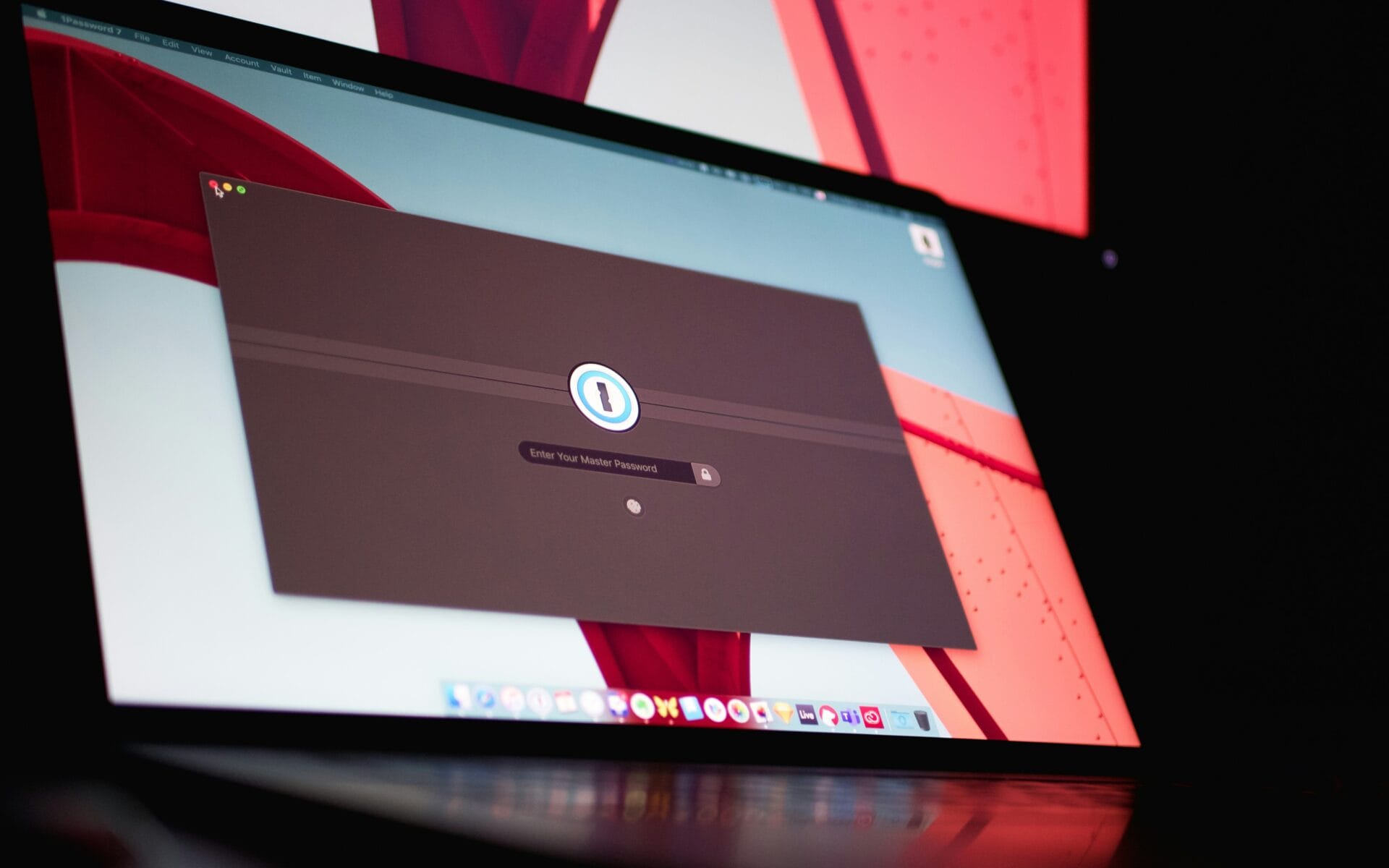
Executive assistants frequently manage login credentials on behalf of the person they support, from travel booking platforms to financial portals to personal email accounts, often juggling more individual passwords than any other role in the household or office. The National Institute of Standards and Technology’s Digital Identity Guidelines, published as Special Publication 800–63, have moved away from the older practice of frequent forced password changes and complex character requirements, instead recommending longer passphrases, screening against known compromised passwords, and multi-factor authentication as the more effective combination of usability and security.
For an assistant managing credentials across a dozen or more platforms, a password manager is the tool that makes this guidance workable in practice, generating and storing unique, long passphrases for every account rather than relying on memory or, worse, on a shared spreadsheet. Multi-factor authentication should be applied to every account that touches financial data, travel information, or personal correspondence, not selectively. Insurers underwriting cyber liability policies increasingly ask about multi-factor authentication during underwriting, and coverage disputes have arisen where an organization represented that it had controls in place that it did not actually enforce. An assistant who maintains this discipline is not only reducing the odds of a successful attack but also protecting the household’s ability to recover financially if one occurs.
Executive Travel Security in a Connected World
Travel introduces a distinct set of exposures because it combines predictable scheduling information, unfamiliar networks, and physical proximity to people who may wish to observe or intercept the principal’s activity. An executive assistant typically knows an itinerary before almost anyone else in the organization, which means the itinerary itself is sensitive information that deserves the same handling discipline as a financial document. Sharing travel details only with the specific people who need them, avoiding public posting of real-time location information, and using a dedicated travel management platform rather than an open calendar invitation are practical steps that reduce the visibility of a principal’s movements to people outside the trusted circle.
Public Wi-Fi at airports and hotels remains one of the more common points of compromise during travel, since these networks are frequently unencrypted and can be spoofed by an attacker running a lookalike network with a similar name. Equipping traveling executives and the assistants who support their connectivity with a mobile hotspot or a properly configured virtual private network avoids the need to rely on shared networks entirely. Devices used for travel should also be kept current on security updates before departure, since a missed update creates a known vulnerability that can be exploited the moment the device connects to an unfamiliar network.
Phishing Awareness: Recognizing the New Generation of Attacks
The Growing Role of AI in Social Engineering
Phishing has moved well past the poorly written, easily spotted messages of a decade ago. Joint guidance from CISA, the NSA, the FBI, and the Multi-State Information Sharing and Analysis Center on stopping phishing at the earliest stage of the attack cycle describes how malicious actors impersonate “supervisors, trusted colleagues, or IT personnel” to obtain login credentials, and separately run spearphishing campaigns that target individual users “with specific and convincing lures” in order to deliver malware. The same guidance notes that hybrid work environments make employees more susceptible to social engineering tailored to the platforms they use daily. Generative AI tools have accelerated this trend by allowing attackers to draft fluent, contextually appropriate messages at scale and, in some documented cases, to generate convincing voice or video impersonations of an executive requesting an urgent transfer.
A related and often overlooked risk is the use of public generative AI tools by staff to speed up their own work. IBM’s 2025 Cost of a Data Breach research, which studied 600 organizations that experienced a breach between March 2024 and February 2025, found that one in five of them reported a breach involving shadow AI, that organizations with high levels of shadow AI absorbed an average of $670,000 in higher breach costs than those with minimal or no shadow AI use, and that only 37 percent have policies in place to manage AI use or detect shadow AI. An executive assistant who pastes a confidential itinerary or a draft financial document into a free AI writing tool to save time may be moving that information outside any system the organization controls, without any malicious intent and often without realizing it has happened. Establishing clear, simple guidance on which AI tools are approved for use with sensitive information, and routing that guidance through the same channel as other security policies, closes a gap that most small organizations have not yet addressed.
Building a Culture of Protection: People, Process & Technology
None of these practices function in isolation, and none of them require an executive assistant to become a technologist. What they require is a small number of consistent habits, reinforced by tools that make the secure path the easy path: verifying unusual requests through a second channel, sharing documents through access-controlled platforms rather than open attachments, using a password manager paired with multi-factor authentication, treating travel itineraries as sensitive information, and applying the same scrutiny to AI tools that is already applied to email attachments. Deloitte’s research points to the underlying issue directly: only 15% of family offices identified cybersecurity as a core priority for 2024, even though 22% ranked it among their top organizational risks. That gap between recognized risk and applied priority is where an outside partner, one who can implement these controls without adding administrative burden to an already demanding role, tends to deliver the most immediate value.
Turning Technology Discipline Into a Strategic Advantage
The organizations that protect high-net-worth principals most effectively are not the ones with the largest security budgets but the ones that have translated a handful of well-chosen practices into daily habits for the people who hold the most access: secure document sharing in place of email attachments, disciplined password management backed by multi-factor authentication, deliberate handling of travel information, and a healthy skepticism toward requests that arrive with urgency attached. Each of these practices is well within reach of a small office or family enterprise, and none of them depends on the executive assistant becoming a cybersecurity specialist.
Addressing this now, rather than after an incident, is a decision that pays for itself many times over. The cost of prevention, measured in a modest investment of time and tooling, is consistently smaller than the cost of recovery, whether that cost is measured in stolen funds, exposed family records, or the erosion of trust between a principal and the team supporting them. Family offices and executive households that treat these practices as standard operating procedure, rather than as optional add-ons, are making a deliberate choice about how seriously they take the responsibility that comes with managing significant wealth and sensitive information.
A managed technology partner brings the structure, monitoring, and specialized knowledge that most family offices and executive support teams cannot reasonably build in-house, allowing the executive assistant to focus on the judgment calls only a person can make while the underlying systems are configured, monitored, and maintained by specialists who do this work every day. Some providers structure their support specifically around the needs of this category of client, offering dedicated IT services for high-net-worth individuals that combine white-glove responsiveness with the privacy and discretion this kind of work requires.
IT Consulting & Strategy: We help you build a technology roadmap that matches the pace and complexity of your household or office, so every investment supports a clear business purpose.
Managed IT Services: Our team monitors, maintains, and supports your systems around the clock, so small issues get resolved before they become disruptions to your principal or your staff.
Cloud Solutions: We design secure, access-controlled environments for document sharing and collaboration that replace risky email attachments without slowing anyone down.
Cybersecurity: From multi-factor authentication to phishing simulation and incident response planning, we build layered protection around the people who hold the most sensitive access.
Procurement & Infrastructure: We source, configure, and maintain the devices and network infrastructure your team relies on, so every laptop, phone, and travel hotspot meets the same security standard.
If your organization is ready to strengthen its technology strategy and build a more secure, efficient, and well-managed environment for the people who support your principals every day, contact our team today to start the conversation.